

Have you ever wondered why your infrared thermometer sometimes gives different readings? If you rely on this handy tool, understanding what affects its accuracy is crucial.
Your readings might be off because of factors you didn’t even think about. By learning what impacts your infrared thermometer’s performance, you can get precise results every time. Keep reading to discover the simple things you can do to make sure your thermometer works perfectly for you.
Basics Of Infrared Thermometers
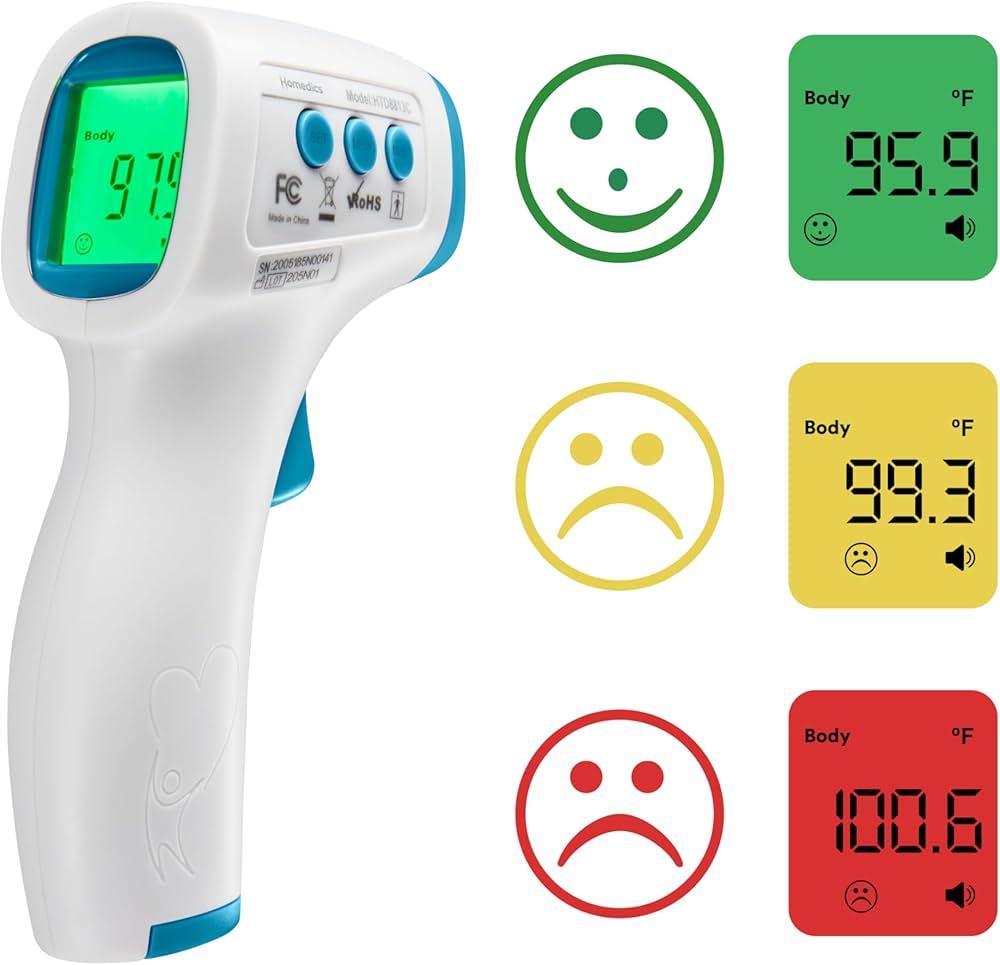
Infrared thermometers measure temperature without touching the object. They detect heat radiation that all objects give off. These devices are quick and easy to use. Understanding how they work helps to know what affects their accuracy.
Infrared thermometers use special sensors to catch infrared light. This light changes depending on the temperature of the surface. The thermometer then converts this data into a temperature reading. The process happens in seconds.
How Infrared Thermometers Work
Infrared thermometers detect infrared energy from an object. The sensor captures this energy and sends it to a processor. The processor turns the energy into an electrical signal. This signal shows the temperature on the display. The thermometer reads the surface temperature, not the air around it.
The accuracy depends on several factors. The distance from the object affects the reading. The surface type can change how much infrared energy is given off. Some materials reflect infrared light, which can cause errors.
Common Applications
Infrared thermometers are used in many fields. In healthcare, they check body temperature quickly. In cooking, they test food temperature for safety. They help in industrial settings to monitor machine heat. HVAC technicians use them to check heating and cooling systems. These tools also help with electrical inspections to find hot spots.
Each use requires care to get the best reading. Knowing the basics helps users avoid mistakes. Proper use improves the thermometer’s accuracy and reliability.
Environmental Influences
Environmental factors play a big role in the accuracy of infrared thermometers. These devices measure temperature from a distance by detecting infrared energy. Changes in the environment can affect how well they read the temperature. Understanding these influences helps you get better results.
Ambient Temperature Effects
The air temperature around the thermometer impacts its accuracy. If the ambient temperature is very high or low, the device may give incorrect readings. Many infrared thermometers work best at room temperature. Extreme heat or cold can cause errors in the sensor.
Humidity And Air Quality
Humidity changes the way infrared signals travel. High moisture levels in the air can weaken the infrared energy. Dust, smoke, or pollution also block or scatter the infrared rays. These conditions reduce the thermometer’s ability to measure the target temperature accurately.
Distance From Target
The distance between the thermometer and the object matters a lot. The farther away the device is, the larger the area it measures. This can mix the target’s temperature with surrounding heat. Staying within the recommended distance ensures a precise reading.
Surface Characteristics
Surface characteristics play a big role in the accuracy of infrared thermometers. These devices measure the heat radiated from an object’s surface. The way the surface looks and behaves can change the reading. Understanding these details helps get better temperature measurements.
Emissivity And Its Role
Emissivity is how well a surface emits infrared energy. It varies from 0 to 1. A perfect emitter has an emissivity of 1. Most real objects have values below 1. Low emissivity means less infrared radiation is emitted. This causes the thermometer to show lower temperatures than the real ones.
Many infrared thermometers allow you to adjust emissivity. Setting the right value improves accuracy. For unknown materials, using an emissivity close to 0.95 works well for many surfaces.
Surface Texture And Color
Rough surfaces emit infrared energy differently than smooth ones. A matte or rough surface usually has higher emissivity. It gives more accurate readings.
Color affects how much infrared energy a surface emits. Dark colors absorb and emit more heat. Light colors reflect more infrared radiation, causing lower readings. Keep this in mind when measuring different colored objects.
Reflective Surfaces Challenges
Shiny or reflective surfaces are hard to measure accurately. They reflect infrared energy from other objects or light sources. This reflection confuses the infrared thermometer.
To get a better reading, cover shiny surfaces with matte tape or paint. Let it sit for a few minutes. Then measure the temperature on that spot. This method reduces reflection errors and improves accuracy.

Device Quality And Calibration
Device quality and calibration play a key role in the accuracy of infrared thermometers. A well-made device with proper calibration provides reliable temperature readings. Poor quality or uncalibrated devices often give false results. Understanding these factors helps users trust their thermometer’s readings.
Sensor Precision
The sensor inside an infrared thermometer measures heat radiation. Higher precision sensors detect temperature more accurately. Low-quality sensors may miss small temperature changes. Sensor quality affects both speed and accuracy of readings. Choose devices with certified, precise sensors for better results.
Regular Calibration Importance
Calibration adjusts the thermometer to correct any errors. Over time, sensors can drift and lose accuracy. Regular calibration keeps the device reliable and accurate. Without calibration, readings may become inconsistent or wrong. Many manufacturers recommend calibration every six months or yearly.
Battery And Power Factors
Battery level impacts the thermometer’s performance. Low battery can cause weak sensor signals and errors. Always use fresh or fully charged batteries. Some devices show battery status to help users check power. Stable power ensures consistent and accurate temperature readings.
User Technique
User technique plays a key role in getting accurate readings from an infrared thermometer. Even the best devices can give wrong results if not used properly. Small mistakes in how you hold or point the thermometer affect the temperature reading. This section explains simple tips to improve your technique. These tips help you get reliable and consistent results every time.
Proper Positioning
Hold the thermometer at the right distance from the surface. Too close or too far lowers accuracy. Aim the sensor directly at the spot you want to measure. Avoid angles that can reflect heat away from the sensor. Keep the lens clean to avoid blurry readings. Steady your hand to prevent shaking during measurement.
Avoiding External Interferences
Remove objects that can block the sensor’s view. Avoid bright sunlight or strong artificial lights near the target. These can heat the surface unevenly. Do not take measurements near vents or fans. Airflow changes surface temperature quickly. Wait for the surface to cool or warm naturally before measuring.
Consistent Measurement Practices
Measure the same spot each time for reliable comparisons. Use the same distance and angle every time. Take multiple readings and average them for better accuracy. Record the time of day to track temperature changes. Follow the device instructions carefully for each measurement step.

Common Errors And Troubleshooting
Infrared thermometers are useful tools for quick temperature checks. Yet, errors can affect their accuracy. Recognizing these common errors helps users get better readings.
Simple mistakes often cause wrong temperature results. Knowing how to fix them improves your device’s performance. This section covers typical misreading causes, corrective steps, and when to replace the thermometer.
Misreading Causes
Dirty lenses block infrared rays and cause errors. Holding the thermometer too far or too close affects results. Shiny or reflective surfaces can reflect heat and confuse the sensor. Using the device in bright sunlight or near strong heat sources leads to false readings. Cold batteries may also reduce accuracy.
Corrective Steps
Clean the lens gently with a soft cloth before use. Hold the thermometer at the recommended distance. Aim at non-reflective, flat surfaces for better accuracy. Avoid measuring in direct sunlight or near heaters. Replace batteries regularly to keep the device working well.
When To Replace The Device
Replace the thermometer if it shows inconsistent readings. If cleaning and battery changes do not help, the sensor may be damaged. Frequent errors or failure to turn on also signal replacement time. Old devices may lose calibration and need an upgrade for reliable use.
Frequently Asked Questions
What Factors Influence Infrared Thermometer Accuracy?
Infrared thermometer accuracy depends on surface emissivity, distance, angle, and ambient temperature. Dirt or moisture on the lens also affects readings. Proper calibration is essential for precise results. These factors combined determine the reliability of temperature measurements.
How Does Surface Emissivity Affect Readings?
Surface emissivity is the efficiency of a material in emitting infrared energy. Low emissivity surfaces reflect more ambient temperature, causing inaccurate readings. Adjusting for emissivity or using emissivity settings improves measurement accuracy for different materials.
Can Distance Impact Infrared Thermometer Accuracy?
Yes, distance affects accuracy because infrared thermometers measure infrared energy within a specific spot size. Being too far increases the spot size and includes unwanted areas, reducing precision. Maintaining the recommended distance ensures reliable temperature readings.
Why Is The Measuring Angle Important?
The measuring angle affects the amount of infrared energy detected. A perpendicular angle captures the most accurate reading. Angles other than 90 degrees cause reflection and reduce accuracy. Always aim the thermometer straight at the target surface.
Conclusion
Accuracy of infrared thermometers depends on many key factors. Surface type, distance, and temperature range all matter. Dirt or steam can block the sensor’s view. Always aim carefully and keep the lens clean. Choosing the right thermometer for your needs helps a lot.
Understanding these points leads to better temperature readings. Trust your device more with proper use and care. Small steps make a big difference in measurement accuracy. Keep these tips in mind to get reliable results every time.

